
Have you tried Lovable? Used V0? Built with Cursor?
Questions like these have been popping up a lot this year. There’s a lot of noise and opinion around AI tools, and honestly, the more I use them, the more complicated my feelings get. They open up new paths for design but they also demand a bit of caution.
The Tool That Helps Me Grow Fast
Do I use AI? Absolutely. Almost every day.
Sometimes I even throw a prompt just to “judge me.” Once, the response I got back felt right: “You’re using AI as your brainstorming buddy.”
I vibe-code with it. I spin up proof-of-concept ideas, ask for copy alternatives, and even wireframe parts of the platform I’m building. The speed and breadth you get from these tools are intoxicating — I can see dozens of directions in the time it used to take me to finish one.
Trapped by What You’ve Seen
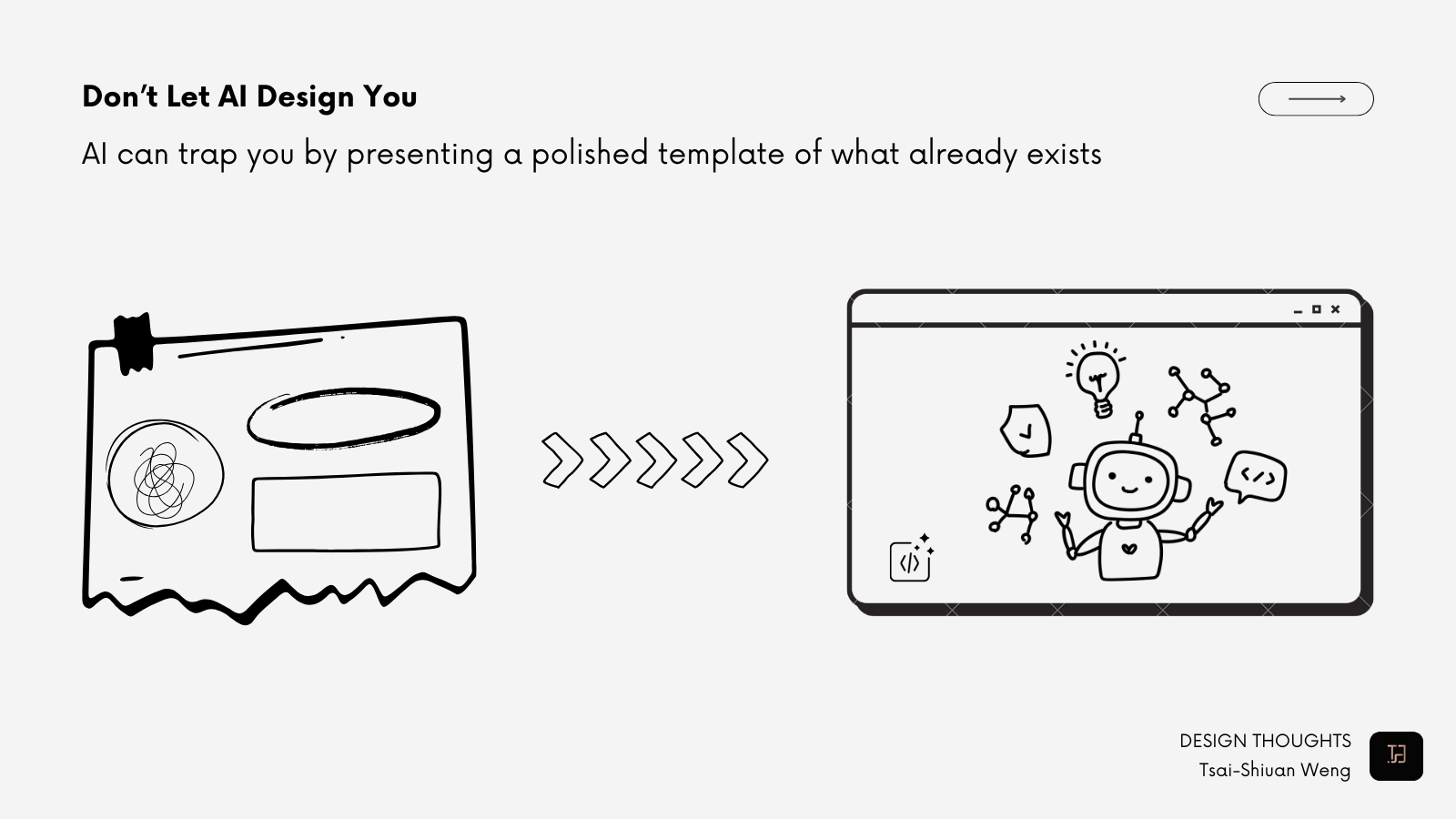
But here’s the downside I stumbled into: If you’re not thinking thoroughly enough, AI can trap you. It can limit your imagination by presenting a polished template of what already exists.
When I started vibe-coding, there were moments I couldn’t shake the feeling that something was missing. The outputs technically covered all the requirements. They look clean, complete, and good enough. But they also felt… too generic, not inspired. Even my coworker experienced the same: clients called some work a lack of personality.
That’s the danger.
Like many designers, I’d been searching for the thing that makes my work stand out. Instead, my over-reliance started to drag me into safe and familiar patterns based on what AI presented in front of me.
Going Back to The Beginning
So how did I first break out of the loop? I stepped away from the screen. I went back to the basics: paper, pen, and the problem itself.
Always start with the problem, not the prompt. Even for one small feature like a dashboard page, I write out the problem statement first. It sparks ideas instead of narrowing them.
Quick sketches before you generate. I’m a visual thinker; separating myself from the influence of polished UI components forces me to clarify my thoughts. So, rough rectangles for different widgets or layouts help me deliberately think through what actually matters. Which KPIs? Which metrics? Which story is this page telling?
Then, translate into prompts. I try to be specific about what must be there (logic, constraints, goals) but vague about how it should look. That way, AI fills in the variations, and I still hold the design intent.
Treat it as throw-away code. AI has helped me overcome one of my hardest lessons: accepting when a prototype needs to be completely redesigned. I used to feel reluctant to start over—dwelling on my mistakes and struggling to let go of the original design. But now, with a vibe-coded prototype, I can discard designs without that painful process.
After some practice, I don’t always need to go back to paper. The mindset has been reset: I think more flexibly, I use AI to explore possibilities, and I keep my own judgment throughout the process.
Keep My Own Judgment Central
AI is a multiplier—but only when you multiply something worth multiplying. Problem first, vibe second. That’s how I design faster without losing myself.
I’m still practicing. Still learning. Still catching myself when I slip into safe templates.
So I’ll end where I began:
Have you tried Lovable, V0, or Cursor? What did you keep, and what did you throw away?


 Tsai-Shiuan Weng